
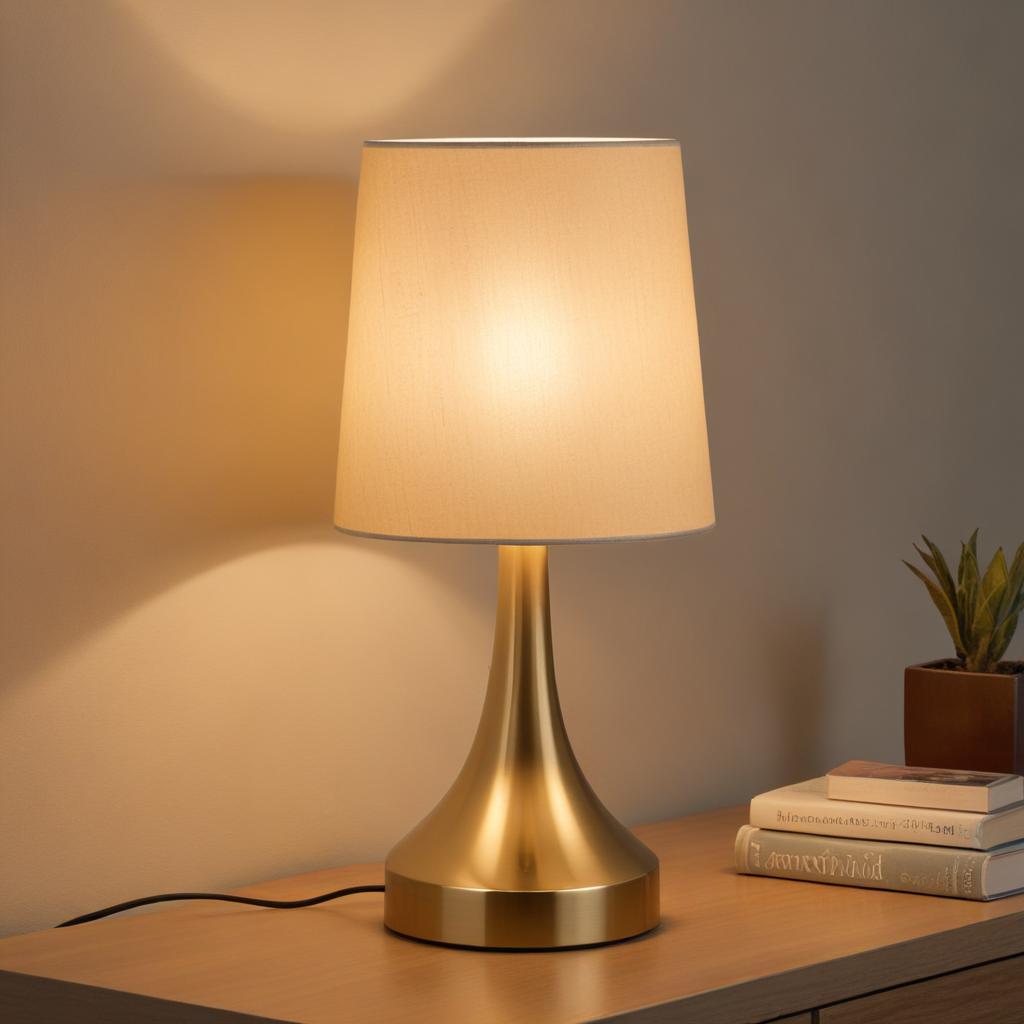
Dealing with a touch lamp that refuses to respond can be incredibly frustrating. It’s an annoying experience, especially when you’ve invested time and money into a beautiful piece of lighting. Many users report similar issues, leading to a significant amount of online searching and a desire for a solution.
This article aims to explore the most common causes of this problem and provide a comprehensive guide to troubleshooting, offering practical steps and potential fixes to restore your touch lamp to its full potential. We’ll explore everything from simple adjustments to more complex diagnostics, ultimately equipping you with the knowledge to confidently address this common challenge and enjoy a seamless lighting experience.
Understanding the potential culprits behind this malfunction is the first step toward a successful repair or replacement.
Understanding the Basics: How Touch Lamps Work
Before diving into troubleshooting, it’s helpful to understand how touch lamps operate. These devices typically utilize a sensor—often a capacitive or infrared sensor—that detects when a finger touches the surface. The lamp then activates, providing a warm or cool glow.
The core functionality relies on precise timing and responsiveness. A faulty sensor, a damaged wiring connection, or an improperly calibrated system can all lead to the lamp not responding as expected.
Lighting fixtures and electrical components can sometimes behave unpredictably. For instance, issues such as why light bulbs get loose in their sockets may indicate underlying fixture or wiring concerns that can also affect the performance of lamps and other lighting devices.
It’s crucial to remember that touch lamps are generally designed to be reliable, but like any electronic device, they are susceptible to wear and tear over time.
Common Causes of Touch Lamp Malfunction
Let’s examine the most frequent reasons why a touch lamp might fail to respond. These issues often stem from simple user error or gradual degradation of the components.
Dirty Sensor Surface
This is arguably the most frequent cause. Dust, fingerprints, or oils from your skin can accumulate on the sensor surface, interfering with the sensor’s ability to accurately detect a touch.
Regular cleaning with a soft, dry cloth is essential. Don’t use abrasive cleaners or solvents, as these can damage the sensor. Pay particular attention to the area around the sensor’s edges.
Loose Wiring Connections
A loose connection within the lamp’s wiring can disrupt the signal flow, preventing the lamp from registering a touch. Carefully inspect all wiring connections, ensuring they are securely fastened.
Electrical issues around the home can sometimes appear in different forms. For example, if appliances are behaving strangely, warnings like electric water heater beeping might signal broader electrical or system-related concerns.
Sensor Calibration Issues
Many touch lamps have a calibration process to fine-tune the sensitivity of the sensor. If this calibration is incorrect, the lamp may not register a touch accurately.
Consult the lamp’s manual for specific calibration instructions. Some models offer a reset function, which can be helpful in correcting minor calibration errors.
Faulty Touch Sensor Mechanism
The actual sensor itself can wear out over time, leading to intermittent or complete failure. This is more likely to occur with older models.
The mechanism that detects the touch may become jammed or damaged, preventing a reliable response.
Power Supply Issues
While less common, a faulty power supply can sometimes disrupt the signal to the sensor. This is a more serious issue and may require professional diagnosis. Check the power cord for damage and ensure the lamp is receiving the correct voltage.
Software Glitches (for Smart Lamps)
If your touch lamp is connected to a smart home system (such as Alexa or Google Assistant), software glitches can sometimes cause the lamp to malfunction. Restarting the smart home app and resetting the lamp’s connection can often resolve these issues.
Step-by-Step Troubleshooting Guide
Let’s systematically approach troubleshooting. Start with the simplest solutions and work your way through the more involved checks.
Clean the Sensor
Begin by thoroughly cleaning the sensor surface with a soft microfiber cloth. Use a slightly damp cloth with distilled water if necessary.
Inspect Wiring Connections
Carefully examine all wiring connections, paying close attention to the connections at the lamp’s base and the power cord.
Reset the Lamp
Many touch lamps have a reset function. Consult the lamp’s manual to locate and initiate the reset procedure.
Check the Power Supply
Verify that the lamp is receiving the correct voltage and that the power cord is securely connected to both the lamp and the wall outlet.
Test with a Different Power Source
Try connecting the lamp to another outlet to see if the issue persists.
Software Reset (for Smart Lamps)
If your lamp is connected to a smart home system, try resetting the lamp’s connection to the app.
Consult the Lamp’s Manual
The lamp’s manual is an invaluable resource for troubleshooting specific issues and identifying the correct calibration procedures.
Advanced Troubleshooting – When to Seek Professional Help
If you’ve attempted the basic troubleshooting steps and the lamp still doesn’t respond, it may be time to consider professional assistance.
Persistent Issues
If the problem continues after trying the above steps, it’s likely a more complex issue requiring specialized knowledge.
Damage to Wiring
If you suspect wiring damage, do not attempt to repair it yourself.
Warranty Issues
If your touch lamp is still under warranty, contact the manufacturer.
Uncertainty
If you’re unsure about any troubleshooting steps, professional help is always the safest option.
Beyond the Lamp: Potential Causes and Solutions
Sometimes the problem may not be directly related to the lamp itself.
Ambient Light Interference
Strong ambient light can sometimes interfere with the sensor’s ability to detect touch.
Surface Texture
The surface the lamp sits on may influence the sensor’s performance.
Humidity
High humidity levels may affect sensor sensitivity.
Component Failure
In rare cases, the sensor may fail due to age or manufacturing defects.
When dealing with lighting upgrades or repairs, homeowners often combine improvements with design upgrades, such as installing a geometric accent wall to enhance the visual impact of lighting in a room.
Finding Replacement Parts and Resources
Once you’ve identified the faulty component, you can research replacement parts. Websites specializing in lighting accessories and electronics often provide compatible touch sensors and other parts.
DIY home improvement projects sometimes extend beyond lighting repairs. For example, creative interior projects like a faux brick feature wall can dramatically transform the atmosphere of a room alongside improved lighting.
Online forums dedicated to electronics and home improvement can also be valuable resources for troubleshooting and advice.
Conclusion: A Path to a Responsive Touch Lamp
Addressing a touch lamp that won’t respond can take time, but with a systematic approach and patience, you can often resolve the issue.
By understanding the potential causes and following the troubleshooting steps outlined in this guide, you significantly increase your chances of restoring your lamp to full functionality and enjoying its illumination once again.
Always prioritize safety when working with electrical components and refer to the lamp’s manual for model-specific instructions.